TL;DR Most attacks happen because of everyday slip-ups like weak passwords, missed updates, no backups, and people clicking on things they should not. Fix the biggest risks fast by switching on two-step logins, using a password manager, keeping devices updated, backing up properly, and showing your team what to watch for.
Why it matters
Cyber criminals are not chasing “big,” they are chasing “easy.” A few practical steps make you a much harder target without blowing the budget.
10 steps to lock the digital front door
1) Show your team the tricks criminals use
Keep it little and often. Run short sessions every few months on spotting fake emails, dodgy links, and scam invoices. Use real examples from your inbox. Give everyone a simple rule: If in doubt, shout.
2) Use different, strong passwords for everything
One password should not open everything. A password manager creates long, random passwords and remembers them for you.
3) Add a second lock to your logins
Two-step login asks for one more check, such as a phone app approval, before letting you in. Turn it on for email, Microsoft 365, banking, and anything else that matters.
4) Keep everything up to date
Switch on automatic updates for your computer, phone, browser, and apps. Old software has known gaps that criminals look for.
5) Lock down your Wi‑Fi
Set a strong Wi‑Fi password and use a separate network for visitors so they cannot reach your files.
6) Back up like you mean it
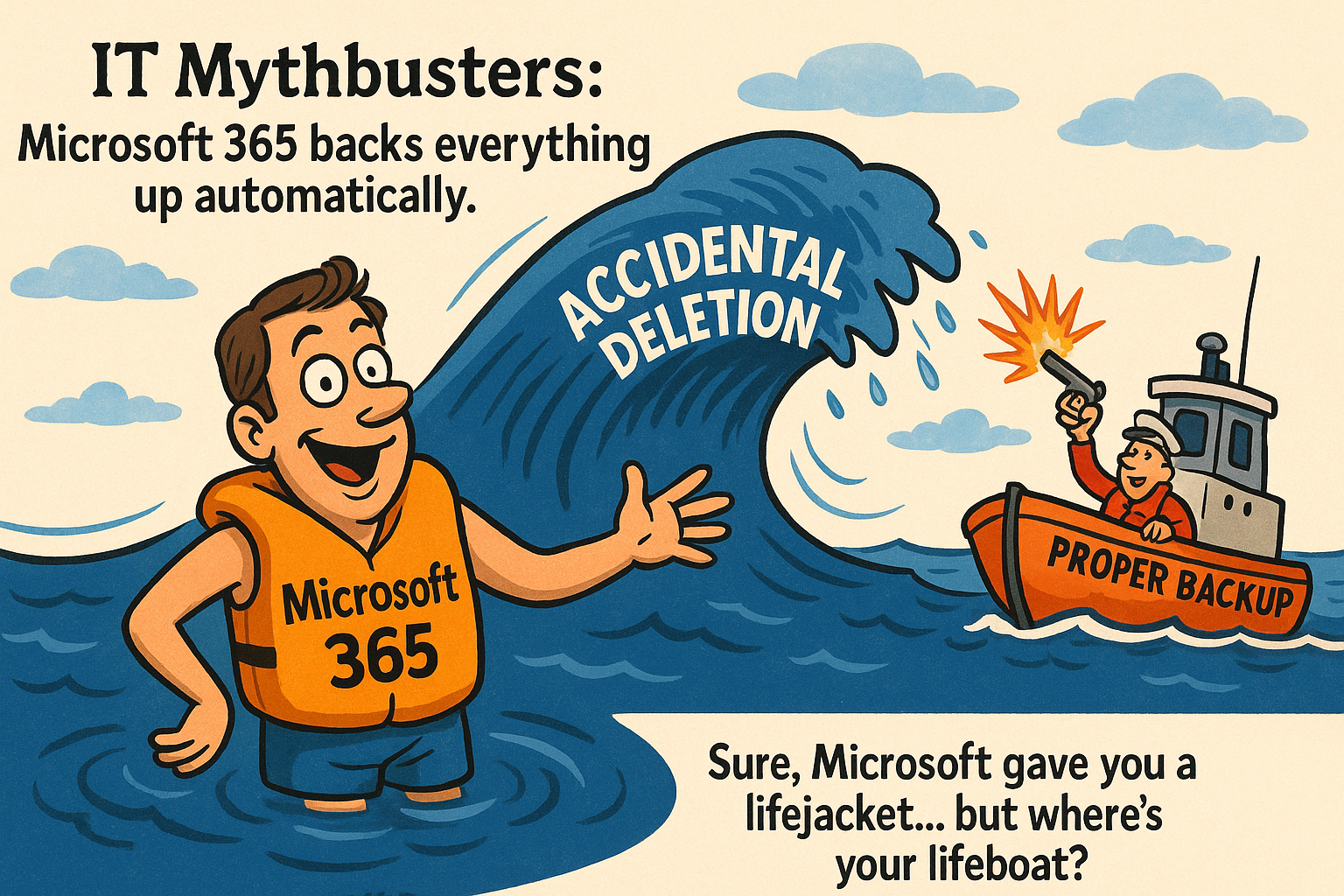
Keep three copies of important files: one on your main system, one on a different device, and one somewhere safe away from the office or in the cloud. Test that you can restore them. A backup you have never checked is just a nice idea.
7) Give people only what they need
Make sure each person can only see and use what they need for their role. Remove old accounts as soon as someone leaves.
8) Protect data if devices go missing
Switch on the built‑in encryption on laptops and phones. If a device is lost or stolen, your information stays scrambled and unreadable.
9) Keep an eye out for anything unusual
Turn on alerts for odd sign‑ins, new admins, or unknown devices. A small warning can stop a big problem.
10) Have a simple “what to do” plan
Write down who to call, how to stop the problem spreading, and how to get back up and running. Keep it short, print it, and practice it twice a year.
Cyber Essentials, a simple safety badge
Cyber Essentials is a UK government backed checklist that proves you have the basics in place:
- Safe internet connections
- Devices set up securely
- Strong logins and tidy up of old accounts
- Protection from harmful software
- Keeping everything up to date
It is recognised by bigger clients and can help with contracts. We guide you from a quick gap check to certification with minimal fuss.
See how we can help you get certified
One week action plan
- Day 1: Roll out a password manager and turn on two‑step login for email and Microsoft 365.
- Day 2: Switch on automatic updates everywhere.
- Day 3: Separate staff and guest Wi‑Fi, change the router password.
- Day 4: Set up backups and test them.
- Day 5: Remove any unused accounts.
- Day 6: Turn on encryption for all laptops and phones.
- Day 7: Run a 20 minute refresher with your team and print your “what to do” plan.
If that still feels like a lot, we will help you prioritise so the biggest risks are tackled first.
The honest pros and cons
Pros
- Stops most common attacks quickly
- Builds trust with clients and insurers
- Gives everyone a clear, shared plan
Cons
- Needs someone to keep an eye on it
- Tools are only part of the fix, people need training
- Cyber Essentials is the basics, not a magic shield
FAQs
Is this too much for a small business?
No. These steps make you a much harder target without costing the earth.
If I can only do one thing today, what should it be?
Turn on two‑step login for email and Microsoft 365.
Do we really need a password manager?
Yes. It makes strong, unique passwords easy and stops risky reuse.
Last updated: 11 August 2025
About Cloud & More
Cloud & More helps UK businesses get IT that just works. Secure devices, calm help desk support, Microsoft 365 done properly, and cyber security that does not get in the way of work.
Why Choose Cloud & More?
At Cloud & More, we understand the unique cybersecurity challenges faced by small businesses. Our team of experts specialises in providing tailored cybersecurity solutions designed to protect your business from evolving threats. With our proactive approach and cutting-edge technology, we can help you strengthen your defences, safeguard your data, and maintain regulatory compliance.